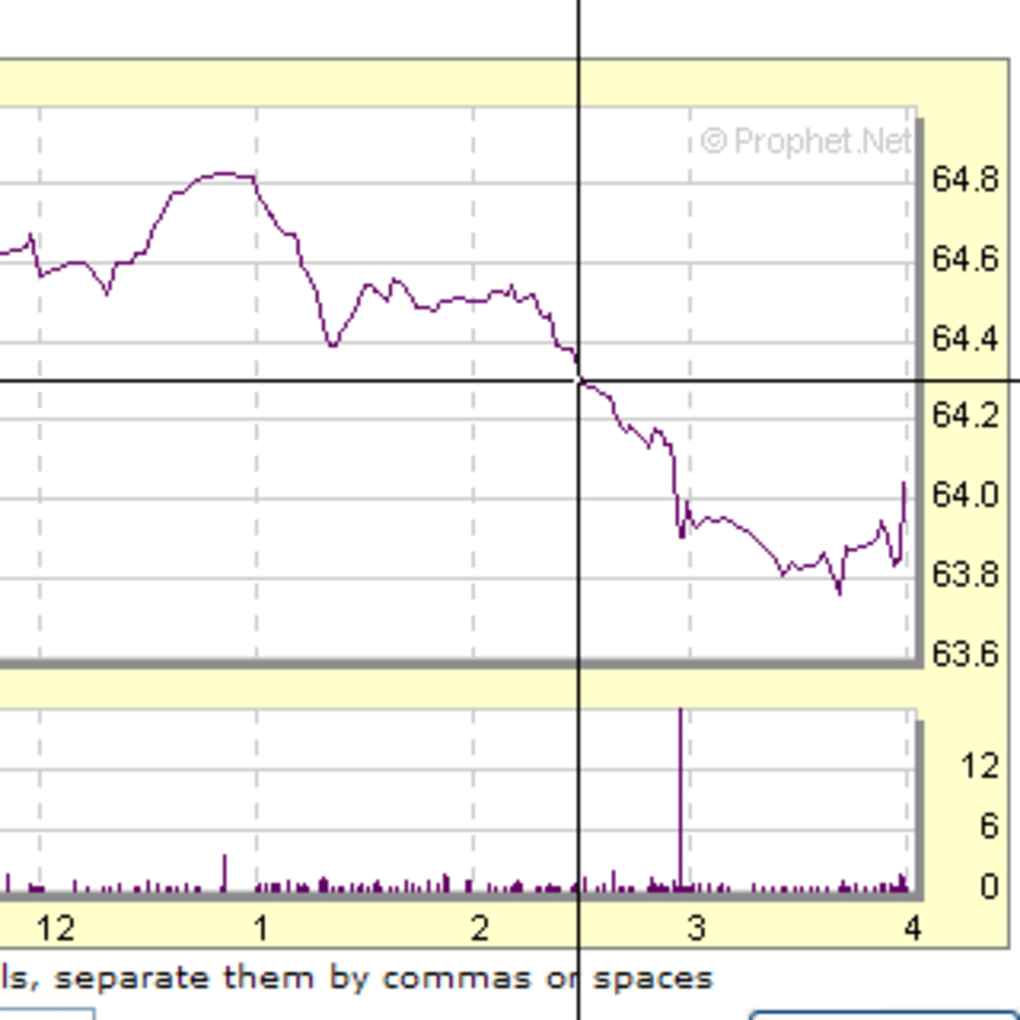
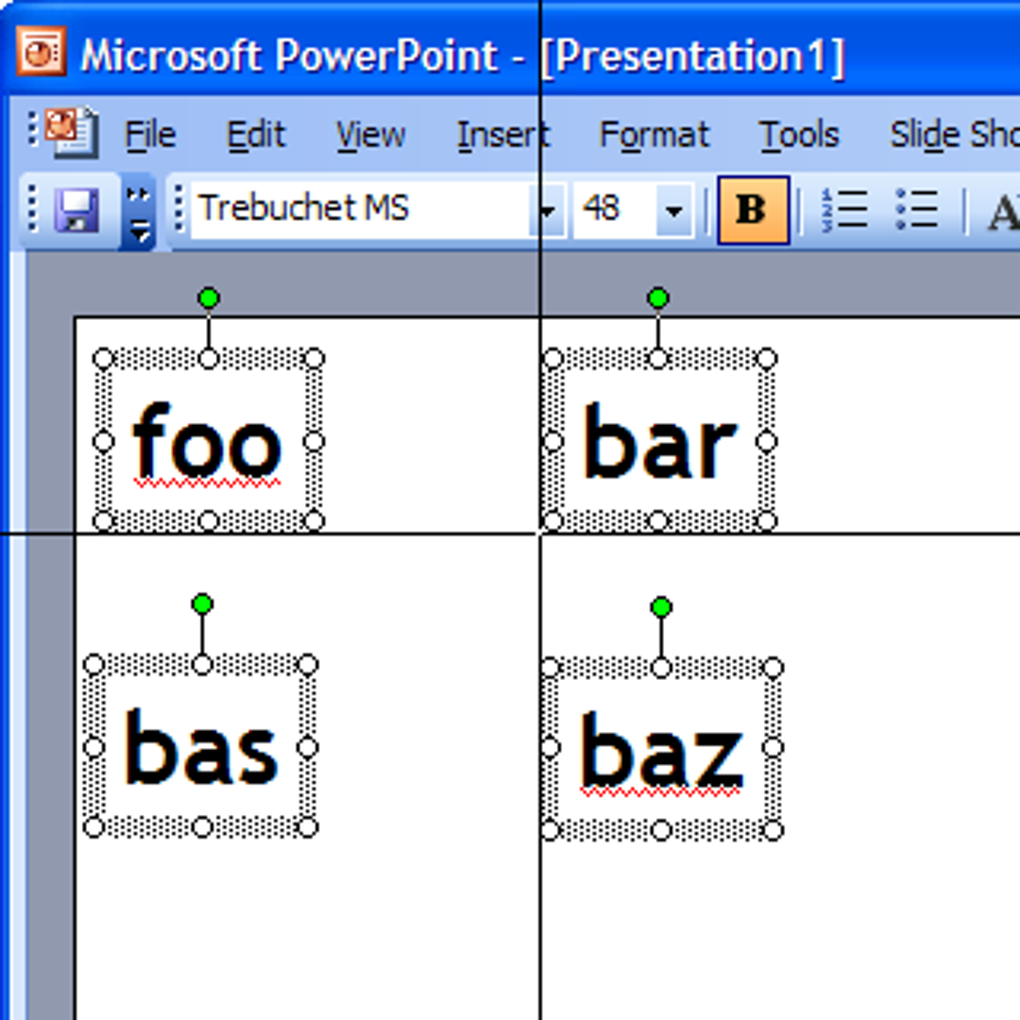


Download CrossHair – Free Screen Crosshair Tool for Windows (Mouse & Keyboard Utility)
CrossHair is a lightweight, free utility software designed to enhance precision and focus while working with your mouse on Windows. With a simple yet powerful feature—displaying two full-screen crosshairs that intersect at your cursor—this tool is ideal for graphic designers, programmers, gamers, and anyone who needs pixel-perfect alignment. Since its release in 2007, CrossHair has gained popularity across the U.S., Vietnam, and Japan, with over 18,000 downloads to date.
Despite its age, it remains a reliable and secure option for users seeking a minimalistic, no-frills crosshair overlay. The software runs on Windows 95 and later versions, making it compatible with older systems. Available in English only, CrossHair is a free download that doesn’t require installation—just run the executable file and start using it instantly.
Whether you're calibrating monitors, aligning UI elements, or improving gaming accuracy, this tool delivers a clean, distraction-free experience.
Why CrossHair Stands Out Among Mouse & Keyboard Utilities
When it comes to precision tools for Windows, CrossHair offers a refreshingly simple solution. Unlike complex software that demands configuration and consumes system resources, this utility does one thing—display two full-screen lines intersecting at your mouse cursor—and does it flawlessly. The crosshair lines are crisp, responsive, and remain perfectly aligned no matter how fast you move your mouse.
This makes it an excellent companion for tasks that require exact positioning, such as graphic design, UI/UX prototyping, video editing, or even debugging code in pixel-based environments. The minimalistic interface ensures zero visual clutter, allowing you to focus solely on your work. What’s more, CrossHair is entirely portable—no installation required.
Simply download the .exe file, run it, and the crosshairs appear instantly. This portability is a major advantage for users who frequently switch between computers or prefer not to clutter their system with unnecessary software. Despite being over 15 years old, the software remains stable and secure, with no known malware or performance issues.
Its lightweight nature means it uses negligible CPU and memory, making it suitable for older machines or low-end systems. For users who value efficiency and simplicity, CrossHair delivers a powerful experience without the bloat.
Key Features That Make CrossHair a Must-Have Tool
- Full-screen crosshair overlay that intersects at your mouse cursor
- Lightweight and portable—no installation needed
- Works on Windows 95 and later versions
- Runs in the background with minimal system resource usage
- Available in English only
- Free to download and use indefinitely
- Instant activation—just run the executable file
- Perfect for graphic design, programming, gaming, and calibration
How to Install and Use CrossHair on Your Windows PC
Using CrossHair is incredibly straightforward, making it accessible even for non-technical users. To get started, visit a trusted software download site and search for “CrossHair free download.” Download the latest version (1.01, last updated February 8, 2007) as a standalone .exe file. Once downloaded, locate the file in your Downloads folder and double-click it to launch the application.
That’s it—you’ll immediately see two full-screen lines intersecting at your mouse pointer. No setup wizard, no configuration prompts, no background services. The tool runs directly from the executable, which means you can keep it on a USB drive and use it on any Windows machine without leaving traces.
To toggle the crosshairs on or off, simply press a predefined keyboard shortcut (usually Ctrl+Shift+X, though this may vary depending on the build). If the shortcut doesn’t work, check the software’s documentation or look for a right-click option in the system tray (if available). For users who want to customize the line color or thickness, unfortunately, CrossHair does not offer advanced settings—this is by design.
The focus is on simplicity and speed. However, this lack of customization is also one of its strengths: it ensures the tool remains fast and reliable. If you’re using it for gaming, you can use it to improve aim accuracy by aligning your crosshair with in-game targets.
For designers, it helps align elements precisely on screen. Overall, CrossHair’s ease of use makes it a go-to utility for professionals and casual users alike.
Compatibility and System Requirements
One of CrossHair’s most impressive qualities is its broad compatibility. It runs on virtually any Windows operating system from Windows 95 onward, including Windows XP, Vista, 7, 8, and 10. This makes it a rare gem in today’s software landscape, where many modern tools no longer support older systems.
If you’re still using an older PC or need a lightweight tool for legacy hardware, CrossHair is an excellent choice. It doesn’t require .NET Framework, Java, or any other runtime environment—just a standard Windows installation. The software is also safe to use, with no known viruses or malware, as verified by multiple antivirus scanners.
However, because it’s over 15 years old, users should exercise caution when downloading from unofficial sources. Always ensure the file is from a reputable site to avoid tampering. While CrossHair is exclusively available for Windows, its functionality is so focused and efficient that it doesn’t need to be ported to Mac, Android, or iOS.
For users on other platforms, similar tools like “Crosshair” for macOS or “Screen Crosshair” for Android exist, but none match the simplicity and reliability of this Windows-native tool. If you’re a developer, IT professional, or educator working with older systems, CrossHair is a valuable addition to your toolkit. Its ability to run without installation or admin rights makes it ideal for shared or restricted environments.
Pros and Cons of Using CrossHair
Pros
- Free and completely ad-free
- Extremely lightweight—uses almost no system resources
- Portable—no installation required
- Works on Windows 95 and later (ideal for older systems)
- Instant activation and minimal learning curve
- Perfect for precision tasks like design, coding, and gaming
- Stable and secure with no reported bugs or crashes
Cons
- No customization options (color, thickness, or style)
- Only available in English
- Outdated interface—no modern design elements
- Not compatible with Mac, iOS, or Android
- No official updates since 2007 (though still functional)
Frequently Asked Questions (FAQ)
Final Verdict: A Timeless Tool for Precision Work
Despite being over a decade old, CrossHair remains a remarkably effective and reliable tool for anyone needing precise mouse alignment. Its minimalist design, portability, and compatibility with older systems make it a standout choice in the crowded field of mouse utilities. While it lacks modern features and customization, its core functionality is executed flawlessly.
For graphic designers, programmers, gamers, and educators, this free software offers a no-frills solution that just works. If you’re looking for a secure, lightweight, and instant-to-use crosshair tool for Windows, CrossHair is a must-download. Its 18,755 downloads over the years are a testament to its enduring value.
Whether you’re calibrating a monitor, aligning UI elements, or improving your gaming accuracy, this tool delivers results without compromise. Don’t let its age fool you—CrossHair is still one of the best free utilities available for Windows.
Download CrossHair today and experience pixel-perfect precision with just one click.







